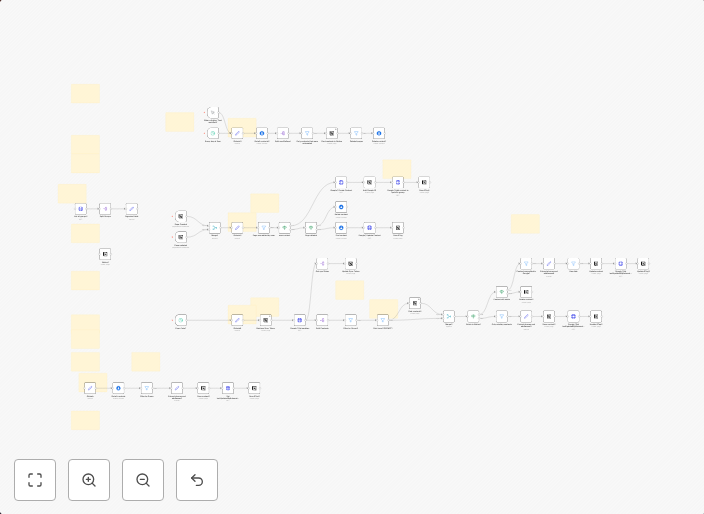
2-way sync Google Contacts and Notion
Sync your Google Contacts with your Notion database. You can filter contacts by label or sync all contacts. All contact information is kept in sync between...
Get This WorkflowAbout This Workflow
What This Workflow Does
This workflow enables two-way synchronization between your Google Contacts and Notion database, ensuring that changes made in either platform are reflected in the other. You can choose to filter contacts by label or sync all contacts, maintaining accurate and up-to-date contact information across both systems. This automation streamlines your contact management process.
Who Should Use This
Business owners, marketers, and anyone responsible for managing customer relationships will find this workflow useful for maintaining a unified and accurate contact database.
Key Features
- Two-way synchronization: Updates made in Google Contacts are reflected in Notion, and vice versa.
- Flexible filtering: Sync contacts by label or sync all contacts, giving you control over what data is exchanged.
- Real-time updates: Information is kept in sync between the two platforms in real-time, ensuring accuracy and consistency.
- Seamless integration: Connects Google Contacts and Notion, eliminating manual data entry and reducing errors.
How to Get Started
To get started with this workflow, import it into your n8n dashboard and configure the Google Contacts and Notion integrations according to your needs. Customize the workflow to fit your specific use case and enjoy the benefits of a unified contact management system.
Use This Workflow in n8n →Similar Workflows




Affiliate Disclosure: We may earn a commission if you sign up for n8n through our links. This doesn't affect our recommendations.