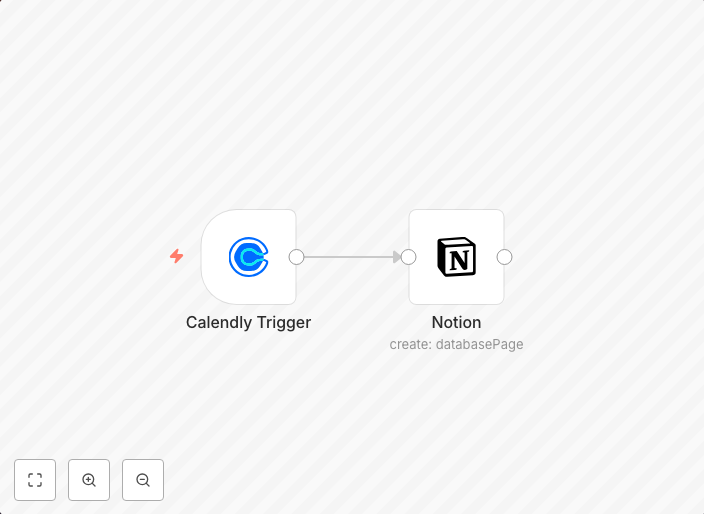
Add a new user to Notion database on Calendly invite creation
This workflow allows you to add a new user to your Notion database when an invite gets created via Calendly. workflow-screenshot Calendly Trigger node: The...
Get This WorkflowAbout This Workflow
What This Workflow Does
This n8n automation workflow creates a new user in your Notion database whenever a Calendly invite is created. This allows for seamless integration with your lead generation pipeline, ensuring new users are automatically added to your database whenever they schedule a meeting or appointment through Calendly.
Who Should Use This
This workflow is ideal for business owners, marketers, and sales teams looking to streamline their lead generation process and automatically add new users to their Notion database.
Key Features
- Automated User Addition: New users are automatically added to your Notion database whenever a Calendly invite is created.
- Seamless Integration: This workflow integrates Calendly with Notion, eliminating the need for manual data entry and reducing the risk of human error.
- Real-time Lead Generation: New leads are instantly added to your database, enabling you to respond promptly and follow up with potential customers.
How to Get Started
To use this workflow, simply import it into your n8n instance and customize the Calendly and Notion integrations to match your specific setup. This will enable you to automate the addition of new users to your Notion database and enhance your lead generation process.
Use This Workflow in n8n →Similar Workflows




Affiliate Disclosure: We may earn a commission if you sign up for n8n through our links. This doesn't affect our recommendations.