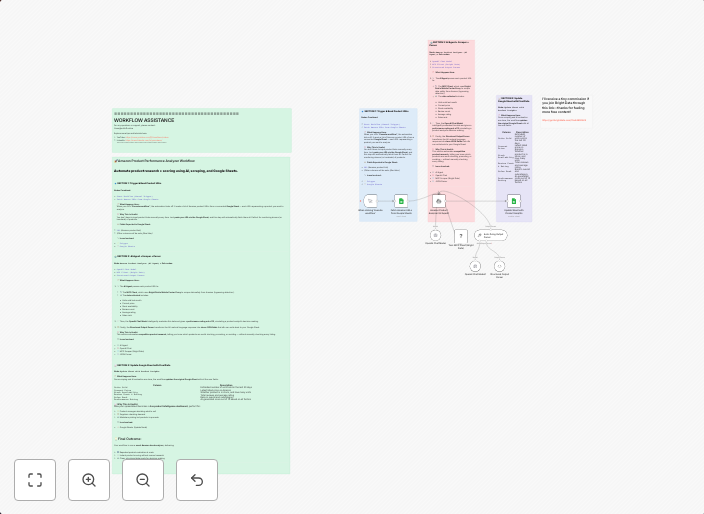
Analyze Amazon purchase trends with Bright Data, OpenAI and Google Sheets
This workflow contains community nodes that are only compatible with the self-hosted version of n8n. This workflow automatically analyzes purchase trends...
Get This WorkflowAbout This Workflow
What This Workflow Does
This workflow automates analysis of Amazon purchase trends by leveraging Bright Data for data extraction, OpenAI for AI-powered insights, and Google Sheets for data visualization and storage. It enables users to gain valuable insights into customer behavior and market trends. With this workflow, users can make data-driven decisions to optimize their business strategies.
Who Should Use This
This workflow is ideal for marketers, business owners, and developers who want to leverage Amazon purchase data to drive informed business decisions. It requires a basic understanding of automation workflows and data analysis.
Key Features
- Extracts Amazon purchase data using Bright Data
- Analyzes the data using AI-powered insights from OpenAI
- Stores and visualizes the data in Google Sheets for easy access and interpretation
- Automates the analysis process, saving time and effort for users
How to Get Started
To use this workflow, import it into your self-hosted n8n environment, then customize the nodes and settings to fit your specific needs. Ensure you have the necessary integrations (Bright Data, OpenAI, and Google Sheets) set up and configured correctly for the workflow to function as intended.
Use This Workflow in n8n →Similar Workflows




Affiliate Disclosure: We may earn a commission if you sign up for n8n through our links. This doesn't affect our recommendations.