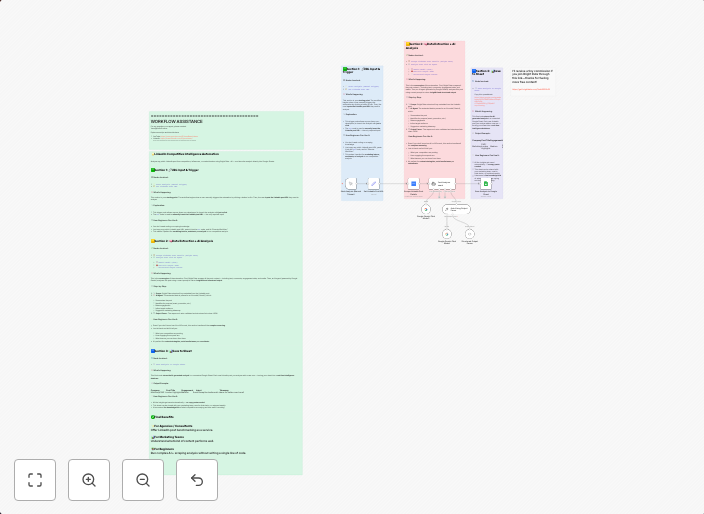
Analyze competitor LinkedIn posts with Bright Data + Google Gemini to Google Sheets
markdownThis workflow contains community nodes that are only compatible with the self-hosted version of n8n. This workflow automatically analyzes competitor...
Get This WorkflowAbout This Workflow
What This Workflow Does
This workflow automates the process of analyzing competitor LinkedIn posts using Bright Data and Google Gemini, providing valuable insights into market trends and competitor activity. It gathers data from LinkedIn posts, summarizes the content using AI, and exports the results to Google Sheets for further analysis. The workflow aims to streamline market research and competitor monitoring tasks.
Who Should Use This
This workflow is ideal for marketing and business professionals who need to stay informed about their competitors' online activities and market trends. It's perfect for businesses looking to optimize their social media presence, develop effective marketing strategies, and make data-driven decisions.
Key Features
- Competitor Post Analysis: Gather data from competitor LinkedIn posts using Bright Data and Google Gemini.
- AI Summarization: Use AI to summarize the content of competitor posts and extract key insights.
- Data Export: Export the analyzed data to Google Sheets for easy viewing and analysis.
- Automated Monitoring: Continuously monitor competitor LinkedIn posts and update the Google Sheets with new data.
How to Get Started
To get started with this workflow, simply import it into your self-hosted n8n instance and customize the nodes to fit your specific needs and credentials. Update the workflow with your own Bright Data and Google Gemini API keys, and configure the Google Sheets settings to export the data to your desired spreadsheet.
Use This Workflow in n8n →Similar Workflows




Affiliate Disclosure: We may earn a commission if you sign up for n8n through our links. This doesn't affect our recommendations.