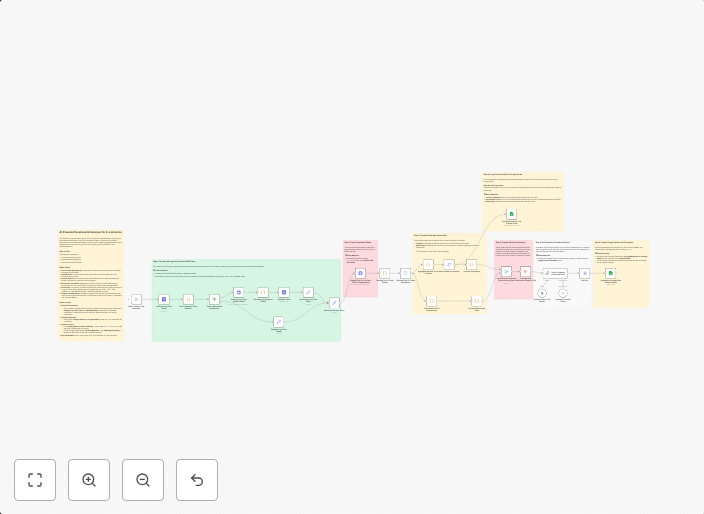
Analyze Facebook Ads & send insights to Google Sheets with Gemini AI
Stop manually digging through Meta Ads data and spending hours trying to connect the dots. This workflow turns n8n into an AI-powered media buyer that...
Get This WorkflowAbout This Workflow
What This Workflow Does
This n8n automation workflow analyzes Facebook Ads data and uses Gemini AI for AI-powered summarization, saving you time and effort from manual data analysis. It automatically connects to Meta Ads, collects data, and sends insights to Google Sheets, providing a comprehensive view of your ad performance. By automating this process, you'll be able to make data-driven decisions with ease.
Who Should Use This
This workflow is ideal for marketers, business owners, and media buyers who want to streamline their Facebook Ads analysis and make data-driven decisions without manually digging through complex data reports.
Key Features
- Connects to Meta Ads for seamless data collection
- Utilizes Gemini AI for AI-powered summarization and insights
- Automatically sends insights to Google Sheets for easy analysis and visualization
- Saves time and effort from manual data analysis and reporting
How to Get Started
To use this workflow, simply import it into your n8n instance and customize the settings to connect to your Meta Ads account and Google Sheets. Follow the workflow's instructions to set up your credentials and start analyzing your Facebook Ads data with ease.
Use This Workflow in n8n →Similar Workflows




Affiliate Disclosure: We may earn a commission if you sign up for n8n through our links. This doesn't affect our recommendations.