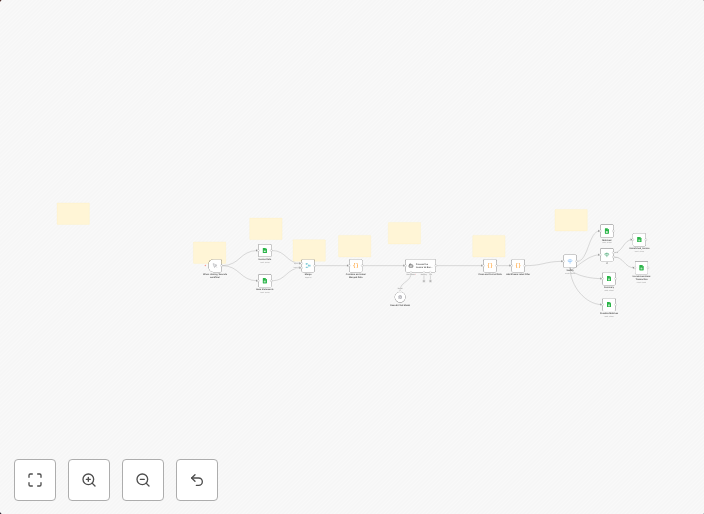
Automate bank statement and invoice reconciliation with GPT and Google Sheets
🟢 Manual Trigger Workflow starts manually to initiate the reconciliation process on demand. 📄 Fetch Invoices & Bank Statements Retrieves invoice data and...
Get This WorkflowAbout This Workflow
What This Workflow Does
Automate the reconciliation of bank statements and invoices with the help of GPT and Google Sheets. This workflow retrieves invoice data and bank statements, then uses AI summarization to streamline the reconciliation process. The result is a more efficient and accurate reconciliation process.
Who Should Use This
This workflow is ideal for business owners, accountants, and finance teams who want to automate their reconciliation processes and reduce manual errors.
Key Features
- Retrieves invoice data from various sources
- Fetches bank statements and combines them with invoice data
- Uses AI summarization to automate reconciliation
- Exports the reconciled data to Google Sheets for easy tracking
How to Get Started
To use this workflow, import it into your n8n account and customize the integrations to fit your specific needs. You'll need to set up the workflow triggers, connections to your Google account, and any other necessary settings before you can start automating your reconciliation process.
Use This Workflow in n8n →Similar Workflows




Affiliate Disclosure: We may earn a commission if you sign up for n8n through our links. This doesn't affect our recommendations.