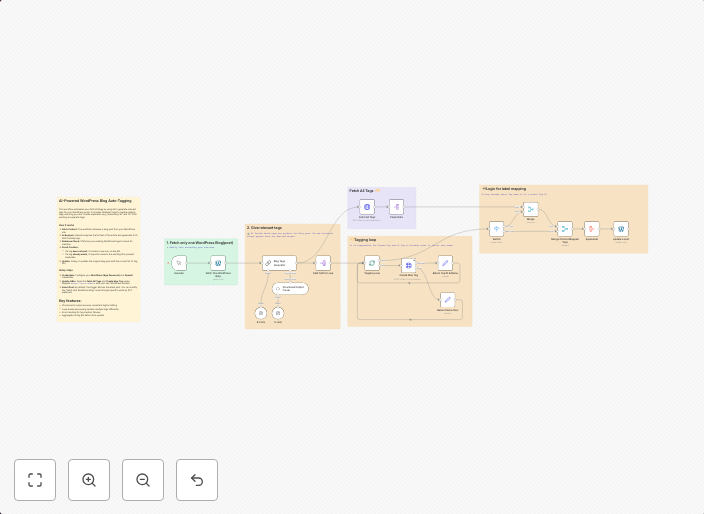
Automate Gmail Organization with AI-Powered Email Classification and Smart Labeling
📧 AI-Powered Gmail Auto-Labeling with Smart Classification This n8n workflow automatically organizes your Gmail inbox by intelligently categorizing...
Get This WorkflowAbout This Workflow
What This Workflow Does
This automation workflow uses AI-powered email classification to intelligently categorize emails in your Gmail inbox and automatically apply relevant labels, saving you time and increasing productivity. By leveraging machine learning algorithms, this workflow helps you organize your emails with precision and accuracy. It enables you to focus on high-priority tasks while ensuring that important emails are never lost in the noise.
Who Should Use This
This workflow is ideal for business owners, marketers, and developers who rely heavily on email communication and need to stay organized to meet their deadlines and goals. Whether you're managing customer support tickets, collaborating with teams, or receiving sales inquiries, this automation can help you streamline your email workflow.
Key Features
- AI-Powered Classification: Leverages machine learning algorithms to categorize emails into relevant topics or categories.
- Smart Labeling: Automatically applies relevant labels to emails based on their content and context.
- Increased Productivity: Saves you time by automating email organization and reducing manual effort.
- Improved Email Management: Helps you focus on high-priority tasks while keeping your inbox organized.
How to Get Started
To start using this automation workflow in n8n, simply import the workflow and customize it to fit your specific needs. You may need to adjust the workflow's settings to match your Gmail account credentials and any specific email categorization requirements.
Use This Workflow in n8n →Similar Workflows




Affiliate Disclosure: We may earn a commission if you sign up for n8n through our links. This doesn't affect our recommendations.