Automate video voiceover & subtitles with Whisper, OpenAI TTS & FFmpeg
Automate Video Editing with AI Who’s it forThis workflow is ideal for content creators, training providers, agencies, and businesses that need to quickly...
Get This WorkflowAbout This Workflow
What This Workflow Does
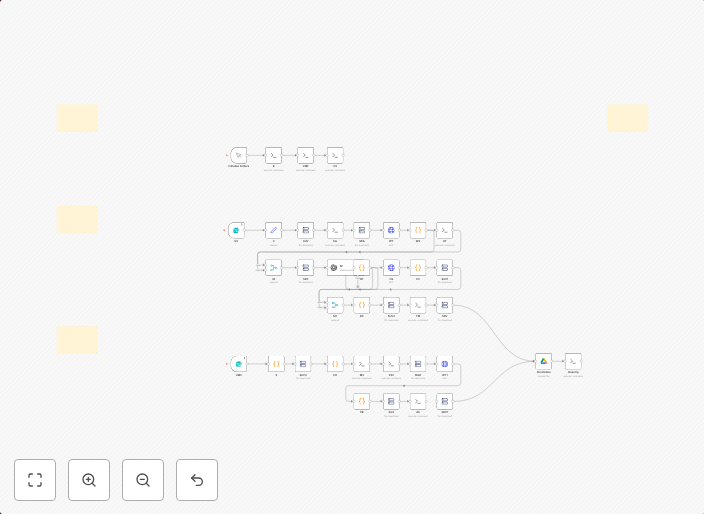
This workflow automates the process of adding voiceovers and subtitles to videos using AI-powered tools, including Whisper, OpenAI TTS, and FFmpeg. It streamlines video editing by leveraging the capabilities of these tools to generate high-quality voiceovers and subtitles quickly. This enables content creators and businesses to efficiently produce polished videos.
Who Should Use This
This workflow is ideal for content creators, training providers, agencies, and businesses that need to quickly produce high-quality videos with voiceovers and subtitles. It's perfect for anyone looking to simplify their video editing process and take advantage of AI-powered automation.
Key Features
- Adds voiceovers to videos using OpenAI TTS
- Generates subtitles using Whisper
- Utilizes FFmpeg for video processing and editing
- Automates the entire process, saving time and effort
How to Get Started
To use this workflow, simply import it into your n8n instance, review the settings, and customize the workflow to suit your specific needs. This workflow is designed to be highly adaptable, allowing you to easily integrate it into your existing video editing process.
Use This Workflow in n8n →Similar Workflows




Affiliate Disclosure: We may earn a commission if you sign up for n8n through our links. This doesn't affect our recommendations.