Automated lead-to-client pipeline with Google Sheets email notifications & time tracking
Google Sheets CRM Automations: Lead Stages → Emails, Client Tracking & Delivery Duration Turn a simple Google Sheet into a lightweight CRM powered by n8n....
Get This WorkflowAbout This Workflow
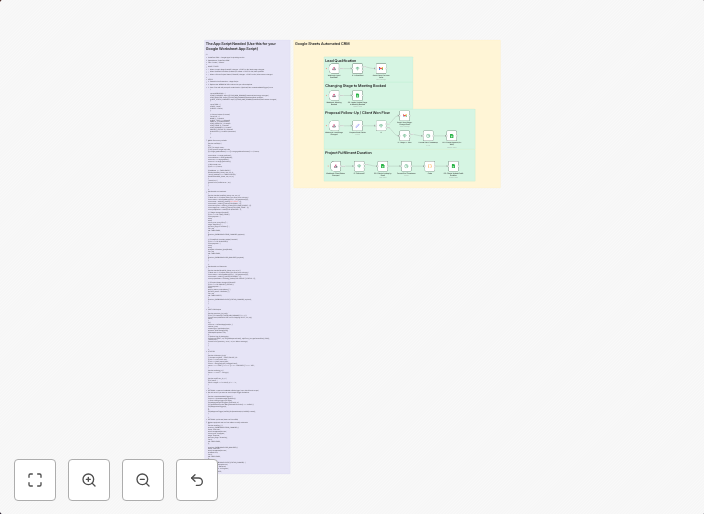
Automated lead-to-client pipeline with Google Sheets email notifications & time tracking
This workflow automates a lead-to-client pipeline using Google Sheets as a lightweight CRM. It sends email notifications based on lead stages and tracks client interactions, including delivery duration. The automation streamlines the sales process, improving efficiency and reducing manual labor.
This workflow is ideal for small to medium-sized businesses, sales teams, and entrepreneurs who want to leverage a simple and cost-effective CRM solution. It's particularly useful for those who already use Google Sheets and want to integrate email notifications and time tracking into their sales pipeline.
- Automates email notifications based on lead stages in Google Sheets
- Tracks client interactions and delivery duration
- Integrates Google Sheets as a lightweight CRM solution
- Improves sales pipeline efficiency and reduces manual labor
To use this workflow, import it into your n8n instance and customize the Google Sheets and email notification integrations to fit your specific needs. You can then start leveraging the automated lead-to-client pipeline and enjoy the benefits of a streamlined sales process.
Use This Workflow in n8n →Similar Workflows




Affiliate Disclosure: We may earn a commission if you sign up for n8n through our links. This doesn't affect our recommendations.