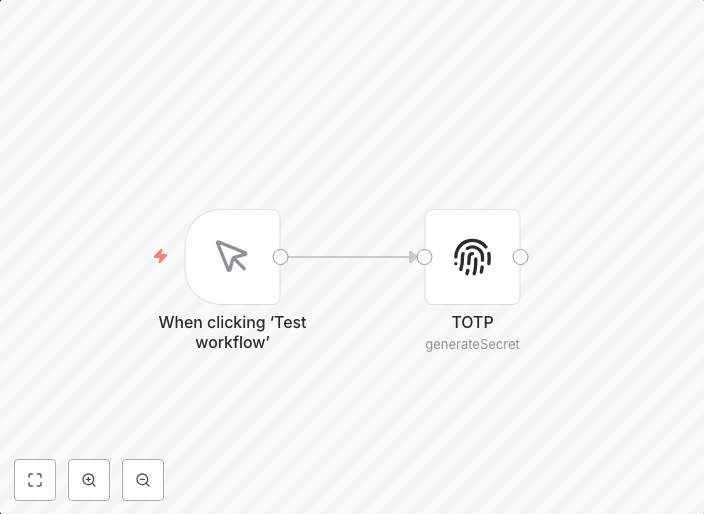
Complete guide to setting up and generating TOTP codes in n8n 🔐
Setting Up and Generating TOTP Step 1: Receive QR Code and Extract the Link 1. Receive the QR Code from the 2FA serviceAfter enabling two-factor...
Get This WorkflowAbout This Workflow
What This Workflow Does
This n8n automation workflow provides a complete guide to setting up and generating TOTP (Time-Based One-Time Password) codes. It assists users in receiving QR codes from 2FA services, extracting the link, and generating TOTP codes. This workflow simplifies the process of implementing two-factor authentication.
Who Should Use This
This workflow is ideal for security operations teams, DevOps engineers, and system administrators who need to implement and manage two-factor authentication for their users.
Key Features
- Receives QR codes from 2FA services
- Extracts the link from the QR code
- Generates TOTP codes for authentication
- Simplifies the setup and management of two-factor authentication
- Allows for easy customization to fit specific use cases
How to Get Started
To use this workflow, simply import it into your n8n instance and customize it to fit your specific needs. You can then use the generated TOTP codes to enhance the security of your users' accounts.
Use This Workflow in n8n →Similar Workflows




Affiliate Disclosure: We may earn a commission if you sign up for n8n through our links. This doesn't affect our recommendations.