Conversational analytics with Google Sheet and C1 by Thesys
Conversational analytics with Google Sheet and C1 by ThesysTurn any Google Sheet into a chat-powered dashboard. Ask questions in plain English and get...
Get This WorkflowAbout This Workflow
What This Workflow Does
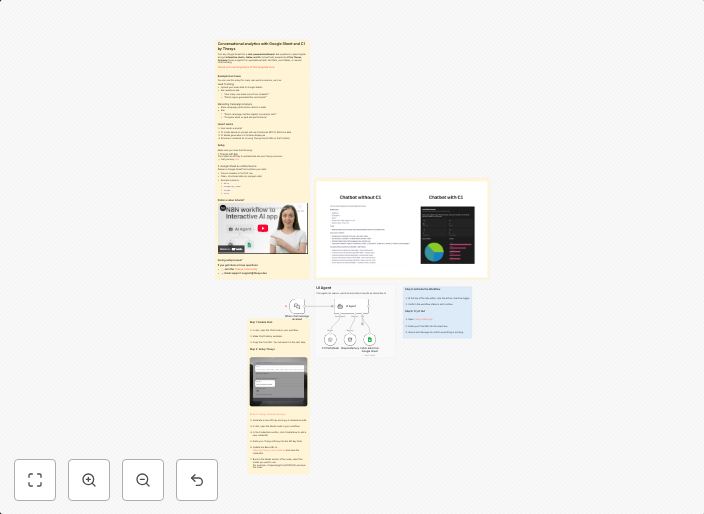
This workflow enables users to transform any Google Sheet into a chat-powered dashboard using C1 by Thesys. It allows users to ask questions in plain English and receive data-driven insights, streamlining conversational analytics for market research and other applications. The outcome is an intuitive and user-friendly data analysis tool.
Who Should Use This
This workflow is ideal for developers, marketers, and business owners looking to simplify data analysis and visualization using Google Sheets and AI-powered chatbots. It's particularly useful for market research, customer insights, and other applications where data-driven decision-making is crucial.
Key Features
- Converts Google Sheets into a chat-powered dashboard for data analysis and visualization.
- Allows users to ask questions in plain English and receive relevant data insights.
- Simplifies data analysis and visualization using AI-powered chatbots.
- Supports conversational analytics for market research and other applications.
How to Get Started
To begin using this workflow, import it into your n8n account and customize the connections to your Google Sheet and C1 by Thesys API. Configure the workflow settings and test it with sample questions to ensure seamless integration and functionality.
Use This Workflow in n8n →Similar Workflows




Affiliate Disclosure: We may earn a commission if you sign up for n8n through our links. This doesn't affect our recommendations.