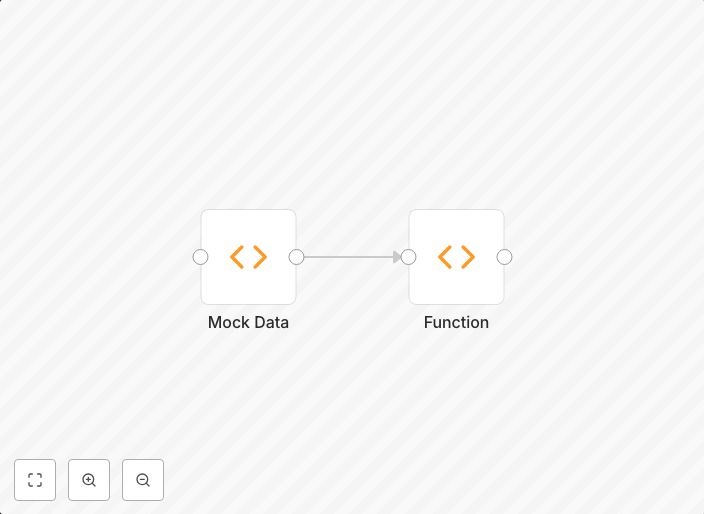
Convert an array into an array of objects
You can use the Function node to convert an array to an array of objects.
Get This WorkflowAbout This Workflow
What This Workflow Does
This workflow utilizes the Function node to convert an array of data into an array of objects. This automation is particularly useful when working with arrays that require additional structure or formatting for efficient processing. By converting the array into objects, you can easily access and manipulate the data within.
Who Should Use This
This workflow is ideal for developers, data analysts, and engineers who frequently work with arrays and need to transform them into a more organized data structure. If you're working with JSON data or API responses that return arrays, this automation can simplify your workflow.
Key Features
- Converting arrays to objects: The Function node is used to convert the array into an array of objects, making it easier to access and manipulate the data.
- Flexible data structure: This automation allows you to add custom properties or fields to the objects, making it adaptable to various data formats.
- Efficient data processing: By converting the array into objects, you can streamline your workflow and improve data processing efficiency.
- Customizable: The Function node provides a flexible way to customize the data transformation process to suit your specific needs.
How to Get Started
To use this workflow, simply import it into your n8n instance and customize the Function node to match your specific array and data structure requirements. You can then connect this workflow to your existing automation or use it as a standalone node to convert your arrays into objects.
Use This Workflow in n8n →Similar Workflows




Affiliate Disclosure: We may earn a commission if you sign up for n8n through our links. This doesn't affect our recommendations.