About This Workflow
What This Workflow Does
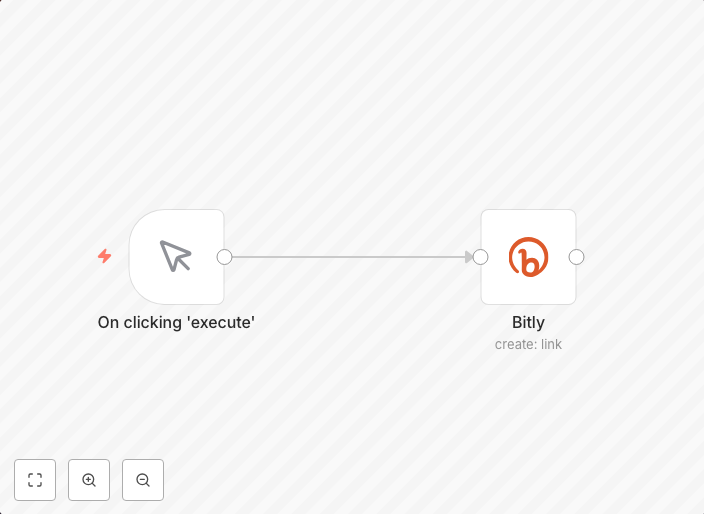
This workflow is designed to automate the process of shortening a URL using Bitly, allowing you to easily share long URLs in a more manageable format. With this automation, you can quickly and easily create a shortened URL, even when working with large datasets or repetitive tasks. The workflow can be used to shorten URLs for marketing campaigns, data analysis, or any other use case where concise URLs are beneficial.
Who Should Use This
Developers, marketers, and business owners who frequently work with URLs and want to streamline their workflow can benefit from this automation. Whether you're creating marketing campaigns, analyzing website traffic, or managing content, this workflow can save you time and effort by automating the URL shortening process.
Key Features
- Automatically shortens long URLs using Bitly
- Supports batch processing for multiple URLs at once
- Can be used with various data sources, including text, CSV, and database integrations
- Configurable to use custom Bitly API credentials for secure authentication
How to Get Started
To start using this workflow, simply import it into your n8n instance and customize it to fit your specific needs. You can connect your Bitly API credentials and set up the workflow to run automatically, or use it as a starting point to build more complex automations tailored to your organization's requirements.
Use This Workflow in n8n →Similar Workflows




Affiliate Disclosure: We may earn a commission if you sign up for n8n through our links. This doesn't affect our recommendations.