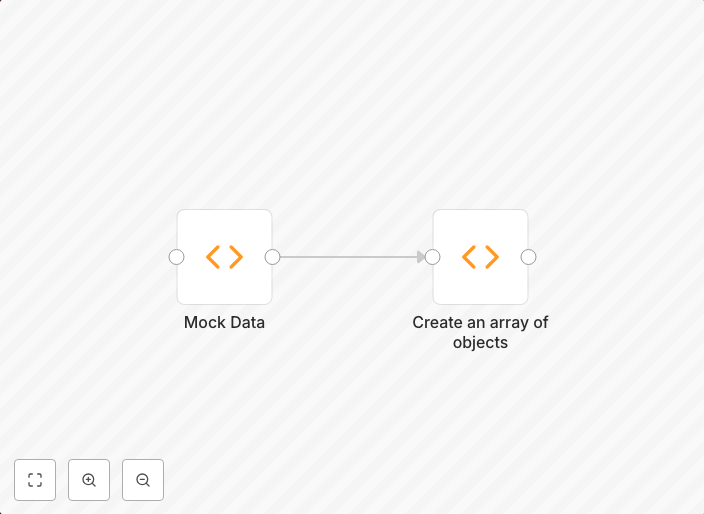
Create an array of objects
You can use the Function node to create an array of objects.
Get This WorkflowAbout This Workflow
What This Workflow Does
This workflow uses the Function node to generate an array of objects, allowing users to create custom data structures and automate data manipulation tasks. By leveraging this automation, users can streamline their workflow processes and improve data consistency. The resulting array of objects can be used as input for further automation tasks.
Who Should Use This
Developers and engineers looking to automate data processing tasks, particularly those requiring the creation of custom data structures, will find this workflow useful. This includes data analysts, IT professionals, and anyone working with data-intensive workflows.
Key Features
- Creates an array of objects using JavaScript code in the Function node
- Customizable data structure generation for tailored workflows
- Automates data manipulation and processing tasks
- Supports integration with various data sources and workflows
How to Get Started
To use this workflow, simply import it into your n8n automation environment and customize the Function node to fit your specific use case. This may involve modifying the JavaScript code to match your data structure requirements. Once configured, you can integrate the workflow with other nodes to automate your data processing tasks.
Use This Workflow in n8n →Similar Workflows




Affiliate Disclosure: We may earn a commission if you sign up for n8n through our links. This doesn't affect our recommendations.