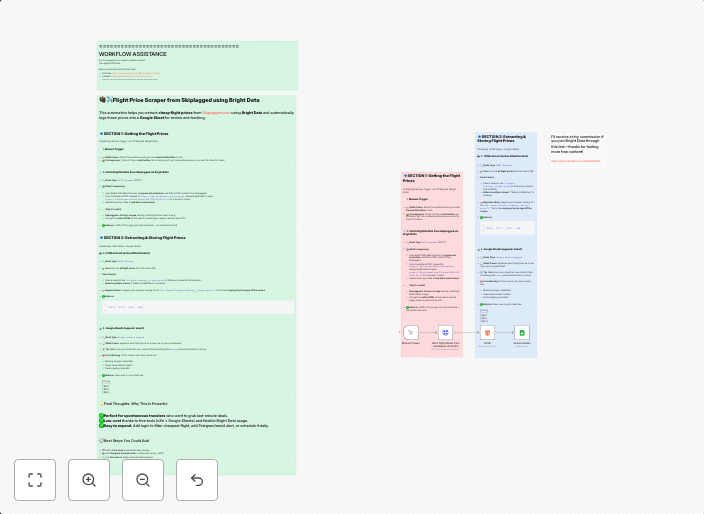
Find the cheapest flights automatically with Bright Data & n8n
Description This workflow automatically searches multiple flight booking websites to find the cheapest flights for your desired routes. It leverages web...
Get This WorkflowAbout This Workflow
What This Workflow Does
This workflow automates the process of finding the cheapest flights for your desired routes by searching multiple flight booking websites. It utilizes the Bright Data integration to scrape web data and compare prices, ensuring you get the best deals. With this workflow, you'll save time and money by streamlining your flight search.
Who Should Use This
This workflow is ideal for marketers, entrepreneurs, and business owners who frequently need to book flights for work or travel. It's also helpful for travel agencies, tour operators, or anyone looking to save time and money on flight bookings.
Key Features
- Multi-source search: The workflow searches multiple flight booking websites in parallel, allowing you to compare prices and find the best deals.
- Price comparison: Bright Data integration helps to scrape web data and compare prices, so you can easily find the cheapest flights.
- Route flexibility: Enter your desired departure and arrival cities, and the workflow will find the cheapest flights for you.
- Customizable settings: You can adjust the workflow settings to fit your specific needs, such as setting price thresholds or specifying a preferred airline.
How to Get Started
To get started with this workflow, import it into your n8n account and customize the settings to fit your specific flight search needs. Make sure to replace the sample API credentials with your own Bright Data API keys to activate the integration.
Use This Workflow in n8n →Similar Workflows




Affiliate Disclosure: We may earn a commission if you sign up for n8n through our links. This doesn't affect our recommendations.