Generate, retrieve and download a report using the SecurityScorecard
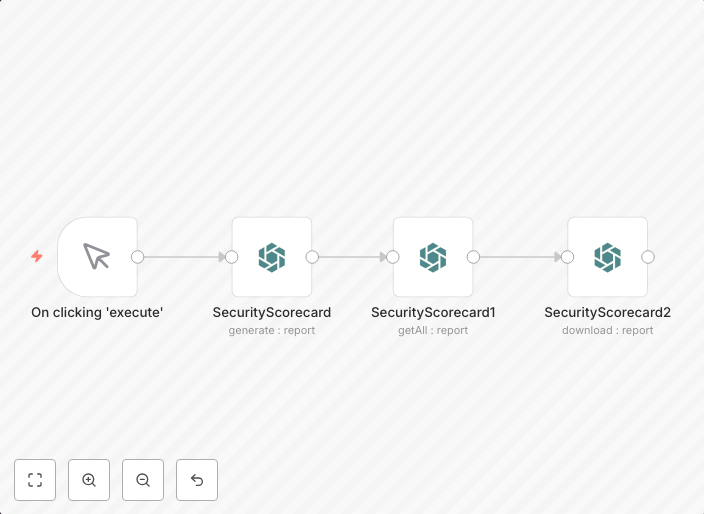
This workflow allows you to generate, retrieve and download a report using the SecurityScorecard node. workflow-screenshot SecurityScorecard node: This node...
Get This WorkflowAbout This Workflow
What This Workflow Does
This workflow enables automation of report generation, retrieval, and download from the SecurityScorecard platform. It streamlines the process of accessing and downloading reports, reducing manual effort and increasing efficiency. The workflow integrates with the SecurityScorecard node to execute the report generation and retrieval tasks.
Who Should Use This
Developers and Security Operations (SecOps) teams will find this workflow particularly useful for automating report generation and download tasks from SecurityScorecard.
Key Features
- Automated report generation: The workflow uses the SecurityScorecard node to generate reports based on user-configured settings.
- Report retrieval: The workflow retrieves generated reports from the SecurityScorecard platform.
- Report download: The workflow enables the download of retrieved reports in a desired format (e.g., CSV, PDF).
How to Get Started
To get started with this workflow, import it into your n8n instance and customize the SecurityScorecard node settings to match your platform credentials and report generation requirements.
Use This Workflow in n8n →Similar Workflows




Affiliate Disclosure: We may earn a commission if you sign up for n8n through our links. This doesn't affect our recommendations.