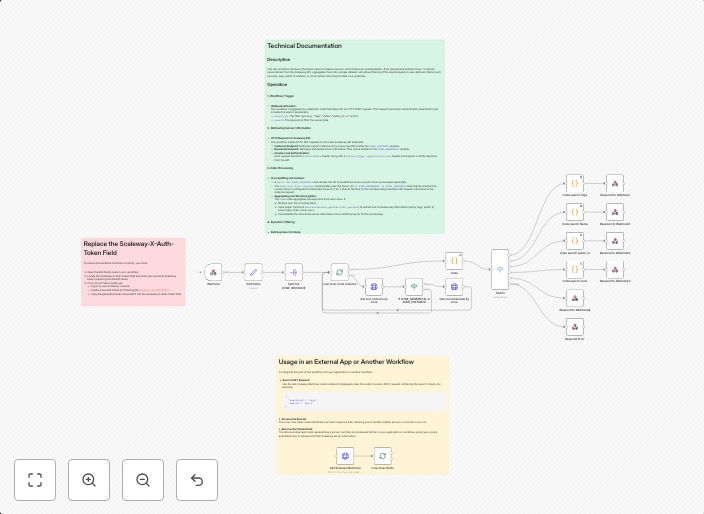
Get Scaleway server info with dynamic filtering
Get Scaleway Server Info with Dynamic Filtering Description This workflow is designed for developers, system administrators, and DevOps engineers who need...
Get This WorkflowAbout This Workflow
What This Workflow Does
This workflow retrieves server information from Scaleway with dynamic filtering, allowing you to manage and monitor your servers efficiently. It automates the process of fetching server details, making it easier to track and respond to changes in your infrastructure. By leveraging this workflow, you can streamline your server management and make more informed decisions.
Who Should Use This
This workflow is designed for developers, system administrators, and DevOps engineers who need to manage and monitor their Scaleway servers in real-time.
Key Features
- Retrieves server information from Scaleway with dynamic filtering
- Automates server data fetching, reducing manual effort and increasing efficiency
- Provides real-time server updates, enabling rapid response to infrastructure changes
- Can be customized to fit specific server management needs and workflows
How to Get Started
To use this workflow, simply import it into your n8n instance and customize the dynamic filtering options to fit your specific server management needs. From there, you can start automating your server data fetching and enjoy the benefits of streamlined infrastructure management.
Use This Workflow in n8n →Similar Workflows




Affiliate Disclosure: We may earn a commission if you sign up for n8n through our links. This doesn't affect our recommendations.