
n8n Nodemation basic - creating your first simple workflow (2/3)
In this video we will create a simple n8n Nodemation workflow to receive date via webhook, alter the data and send it to a webserver. We will be using...
Get This WorkflowAbout This Workflow
What This Workflow Does
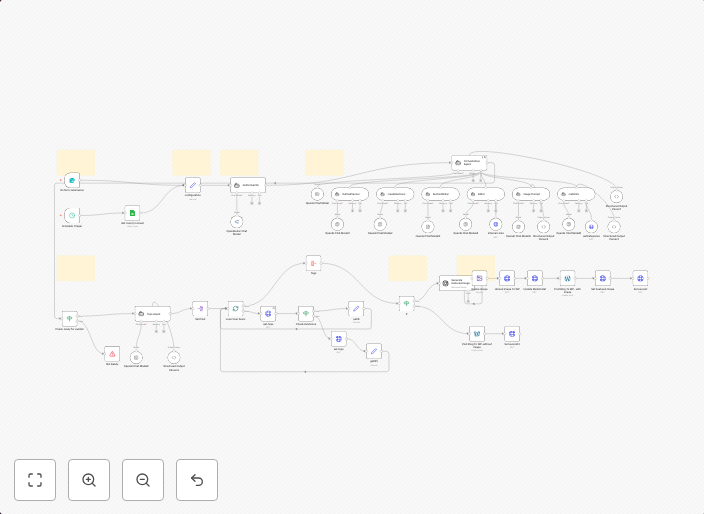
This workflow receives date via webhook, alters the data, and sends it to a web server. It serves as a basic introduction to creating a simple automation using n8n NodeMation workflows. By the end of this workflow, you will have a functional automation that processes and sends data to a web server.
Who Should Use This
This workflow is ideal for developers and beginners looking to get started with n8n NodeMation automation. It provides a simple and straightforward example of how to create a workflow and can be built upon for more complex automations.
Key Features
- Webhook Reception: This workflow receives data via a webhook, allowing you to capture and process external data.
- Data Alteration: The workflow alters the received data, giving you the flexibility to modify it as needed.
- Web Server Integration: The automation sends the processed data to a web server, enabling you to integrate it with other web applications.
How to Get Started
To use this workflow, import it into your n8n instance and customize it to fit your specific needs. You can do this by clicking the "Import" button and then configuring the workflow settings to match your desired setup.
Use This Workflow in n8n →Similar Workflows



Affiliate Disclosure: We may earn a commission if you sign up for n8n through our links. This doesn't affect our recommendations.