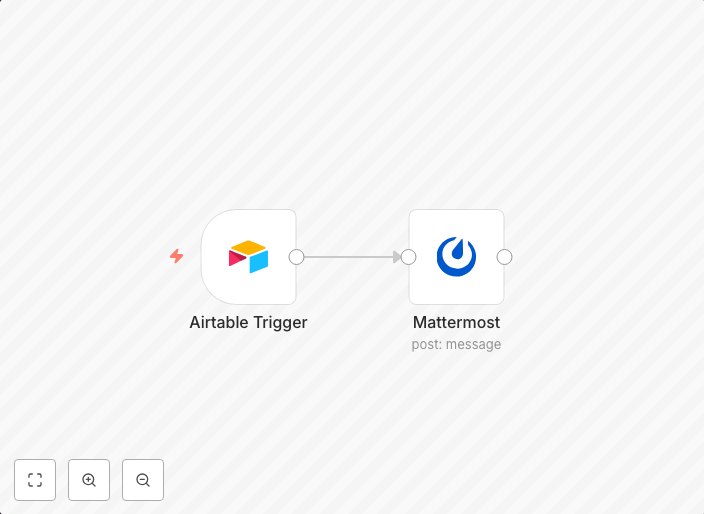
Receive a Mattermost message when new data gets added to Airtable
workflow-screenshot
Get This WorkflowAbout This Workflow
What This Workflow Does
This workflow receives a notification in Mattermost whenever new data is added to an Airtable base. It automates the process of keeping team members informed about new entries, eliminating the need for manual checks and updates. By integrating these two tools, this workflow streamlines data management and enhances collaboration.
Who Should Use This
This workflow is ideal for teams using Airtable and Mattermost for project management, customer support, or other collaborative purposes. Anyone looking to automate notifications and improve data visibility within their team can benefit from this workflow.
Key Features
- Triggers a notification in Mattermost whenever new data is added to an Airtable base
- Allows for seamless integration of Airtable and Mattermost
- Eliminates the need for manual checks and updates
- Enhances collaboration and data visibility within teams
How to Get Started
To use this workflow, simply import it into your n8n instance and connect your Airtable and Mattermost accounts. Customize the workflow by adjusting the settings to fit your specific use case and team requirements.
Use This Workflow in n8n →Similar Workflows




Affiliate Disclosure: We may earn a commission if you sign up for n8n through our links. This doesn't affect our recommendations.