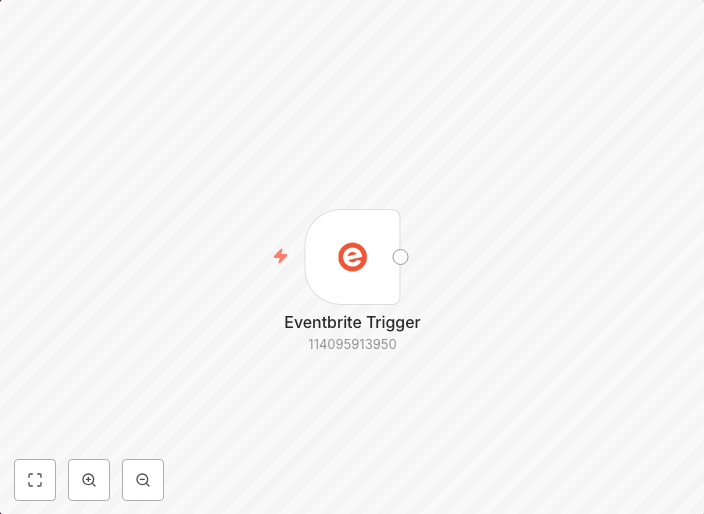
Receive updates for Eventbrite events
Companion workflow for Eventbrite Trigger node docs workflow-screenshot
Get This WorkflowAbout This Workflow
What This Workflow Does
This workflow is designed to receive updates for Eventbrite events, allowing users to stay informed about changes to their events in real-time. It can be used to automate tasks, send notifications, or trigger further workflows based on event updates. By receiving updates, users can react quickly to changes and maintain a high level of engagement with their audience.
Who Should Use This
This workflow is suitable for developers, marketers, and business owners who use Eventbrite to host events and need to stay organized and informed about updates to their events. It can be particularly helpful for those who want to automate tasks, send notifications, or trigger further workflows based on event updates.
Key Features
- Event Updates: Receive real-time updates for Eventbrite events, including changes to event details, ticket availability, and more.
- Automation Trigger: Trigger further workflows or automate tasks based on event updates, allowing for more efficient event management.
- Notification Support: Send notifications to team members, customers, or other stakeholders when event updates occur, ensuring everyone stays informed.
- Scalability: Designed to handle multiple Eventbrite events and updates, making it suitable for large-scale event management operations.
How to Get Started
To use this workflow, simply import it into your n8n account and customize the settings to match your Eventbrite event requirements. You can then connect your Eventbrite account and start receiving updates for your events.
Use This Workflow in n8n →Similar Workflows




Affiliate Disclosure: We may earn a commission if you sign up for n8n through our links. This doesn't affect our recommendations.