About This Workflow
What This Workflow Does
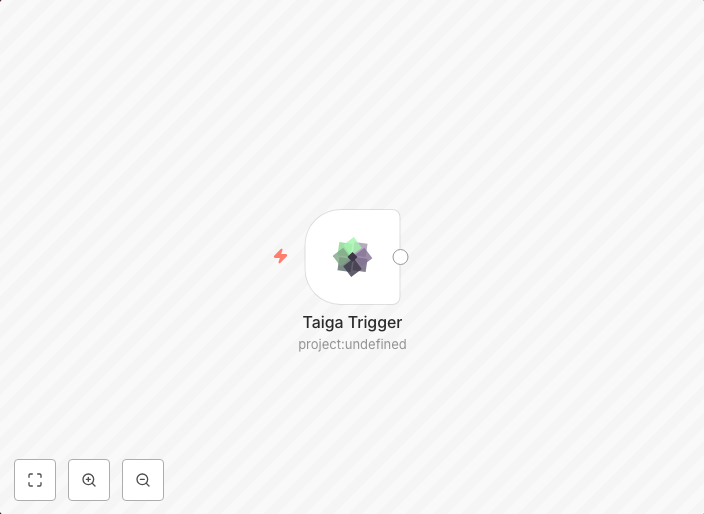
This workflow is designed to receive updates when an event occurs in Taiga, allowing users to stay informed and up-to-date about project developments. Upon an event trigger, the workflow fetches relevant data and sends notifications to chosen recipients, streamlining communication and increasing efficiency. The automation is tailored for real-time monitoring and collaboration in project management scenarios.
Who Should Use This
This workflow is ideal for project managers, team leads, and developers who want to automate event notifications from Taiga, ensuring timely updates and reducing manual data entry tasks. Whether you're working on a software development project or managing a complex project with multiple stakeholders, this workflow can be a valuable addition to your workflow toolkit.
Key Features
- Event Trigger: The workflow is triggered by an event in Taiga, allowing you to set up real-time notifications.
- Data Fetching: The automation fetches relevant data from Taiga, providing up-to-date information to users.
- Notification Sending: Chosen recipients receive notifications when an event occurs, keeping them informed and engaged.
- Customizable: Users can adjust the workflow to suit their specific needs and preferences.
How to Get Started
To start using this workflow, simply import it into your n8n account and customize the workflow settings to match your Taiga project and notification preferences.
Use This Workflow in n8n →Similar Workflows




Affiliate Disclosure: We may earn a commission if you sign up for n8n through our links. This doesn't affect our recommendations.