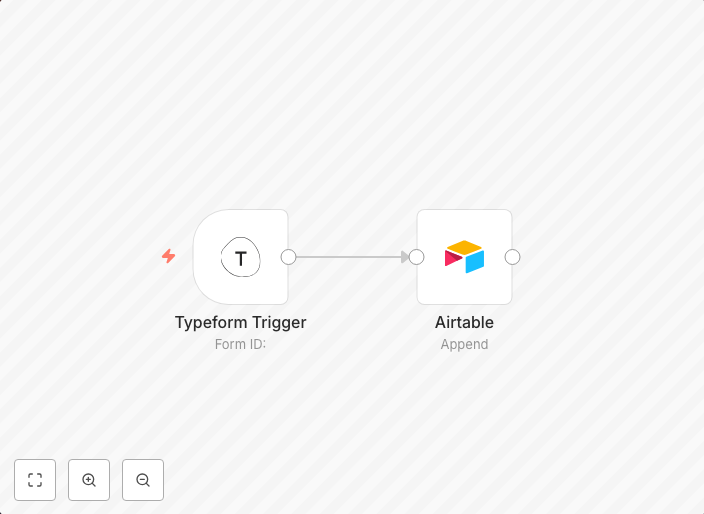
Save Typeform survey results to Airtable
With this workflow, you can collect the data from Typeform with the Typeform Trigger node every time someone submits a response and save it to Airtable with...
Get This WorkflowAbout This Workflow
What This Workflow Does
This workflow automates the process of collecting Typeform survey results and saving them to Airtable. It uses the Typeform Trigger node to capture new submissions and then integrates with Airtable to store the responses. The result is a seamless data collection and storage process.
Who Should Use This
This workflow is ideal for marketers, business owners, and developers who want to streamline their lead generation process by efficiently collecting and storing survey data.
Key Features
- Collects Typeform survey results automatically with the Typeform Trigger node.
- Saves the collected data to Airtable for easy access and analysis.
- Integrates Typeform and Airtable to eliminate manual data entry.
- Supports continuous data collection and storage for real-time insights.
How to Get Started
To use this workflow, simply import it into your n8n account and customize the Typeform and Airtable credentials to match your own accounts. Make any necessary adjustments to the nodes and settings to fit your specific use case, and you're ready to start collecting and analyzing your survey data.
Use This Workflow in n8n →Similar Workflows




Affiliate Disclosure: We may earn a commission if you sign up for n8n through our links. This doesn't affect our recommendations.