Scan URLs with urlscan.io and send results via Gmail
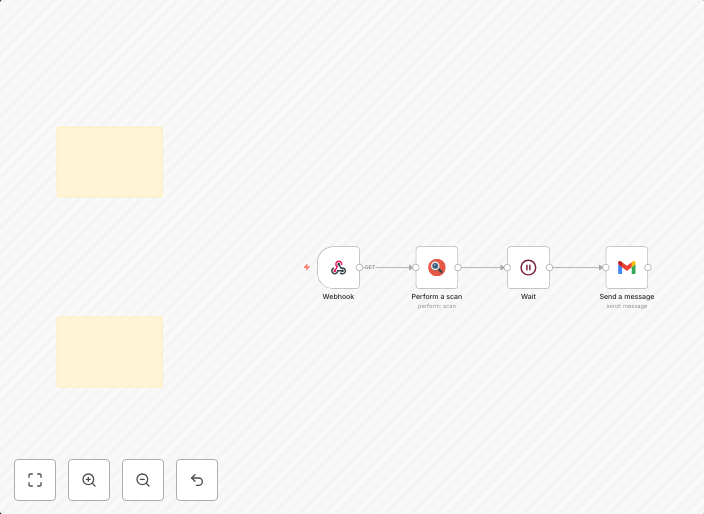
OverviewReceive a URL via Webhook, submit it to urlscan.io, wait ~30 seconds for artifacts (e.g., screenshot), then email a clean summary with links to the...
Get This WorkflowAbout This Workflow
What This Workflow Does
This workflow automates URL scanning with urlscan.io, receiving a URL via Webhook, and sending a clean summary with links to the results via Gmail. It provides a hands-off way to scan URLs and receive a detailed report, saving time and effort. The workflow waits for artifacts, such as screenshots, to be available before sending the summary.
Who Should Use This
This workflow is ideal for security operation teams (SecOps) and anyone who needs to scan URLs regularly, such as developers, security researchers, and penetration testers.
Key Features
- Submits URLs to urlscan.io for scanning
- Waits for artifacts, such as screenshots, to be available
- Sends a clean summary with links to the results via Gmail
- Automates the process of receiving URLs via Webhook and scanning them with urlscan.io
How to Get Started
To use this workflow, import it into your n8n instance and customize the Webhook node to receive URLs from your desired source. Then, connect the nodes to start automating your URL scanning process.
Use This Workflow in n8n →Similar Workflows




Affiliate Disclosure: We may earn a commission if you sign up for n8n through our links. This doesn't affect our recommendations.