Scrape & track dentist leads from Google Maps with ScrapeOps, Sheets & notifications
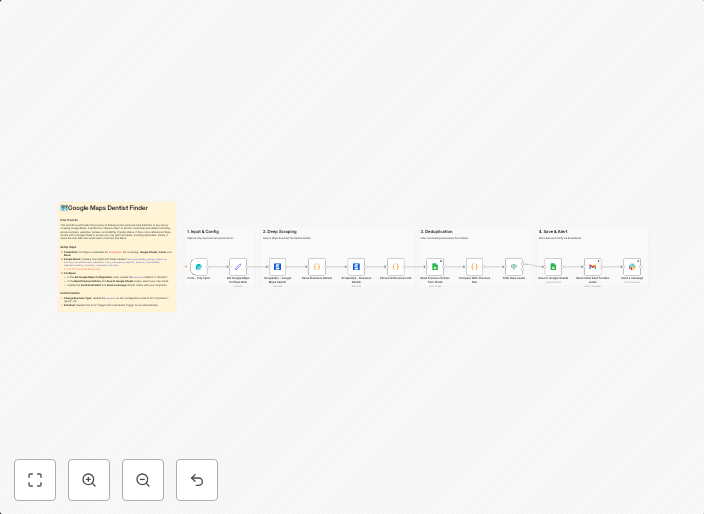
OverviewThis n8n template automates the generation of local business leads by scraping Google Maps. It goes beyond basic search results by visiting...
Get This WorkflowAbout This Workflow
What This Workflow Does
This n8n template automates the process of generating local business leads by scraping Google Maps, allowing you to efficiently collect data on potential clients. It does this by visiting the websites of dentists in a specified area, extracting relevant information, and storing it in a Google Sheets document. This data is then used to trigger notifications, keeping you informed of new leads.
Who Should Use This
This workflow is ideal for marketers, business owners, and developers who want to streamline their lead generation process and easily track local business leads.
Key Features
- Scrape Google Maps: Extract data from dentist websites in a specified area.
- Store in Google Sheets: Organize and store the collected data in a Google Sheets document for easy reference.
- Trigger Notifications: Receive notifications when new leads are generated, keeping you informed of potential clients.
How to Get Started
To get started with this workflow, simply import the template into n8n, connect your Google Maps and Google Sheets accounts, and customize the workflow settings to suit your needs.
Use This Workflow in n8n →Similar Workflows




Affiliate Disclosure: We may earn a commission if you sign up for n8n through our links. This doesn't affect our recommendations.