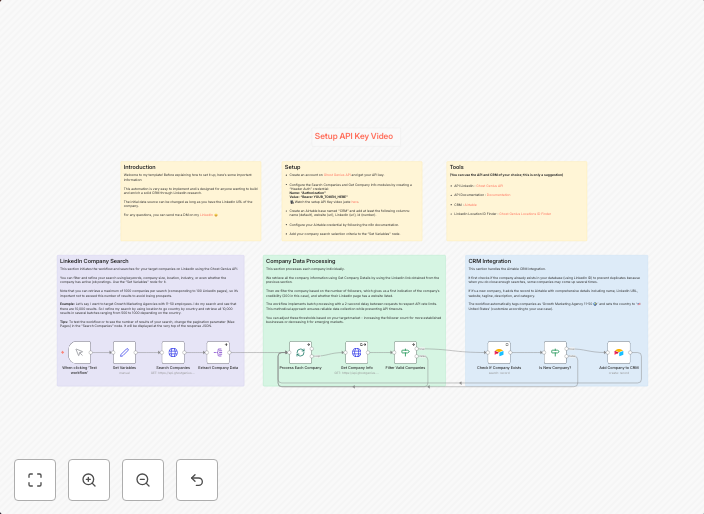
Search LinkedIn companies and add them to Airtable CRM
Search LinkedIn companies and add them to Airtable CRM Who is this for?This template is ideal for sales teams, business development professionals, and...
Get This WorkflowAbout This Workflow
What This Workflow Does
This workflow automates the process of searching for companies on LinkedIn and adding them to your Airtable CRM. It streamlines lead generation by integrating LinkedIn's vast company database with Airtable's CRM capabilities. This workflow enables you to efficiently discover new leads and store them in your CRM for easy access and follow-up.
Who Should Use This
This template is ideal for sales teams, business development professionals, and anyone involved in lead generation. It's perfect for those looking to expand their pipeline and connect with new businesses.
Key Features
- LinkedIn Company Search: Searches for companies on LinkedIn using specified keywords and parameters.
- Airtable CRM Integration: Creates a new record in your Airtable CRM for each company found, including relevant information.
- Customizable Search: Allows you to configure search criteria, such as location, industry, and company size.
How to Get Started
To start using this workflow, import it into your n8n account and customize the search settings to match your target audience. You can then use the workflow to generate new leads and store them in your Airtable CRM for follow-up and analysis.
Use This Workflow in n8n →Similar Workflows




Affiliate Disclosure: We may earn a commission if you sign up for n8n through our links. This doesn't affect our recommendations.