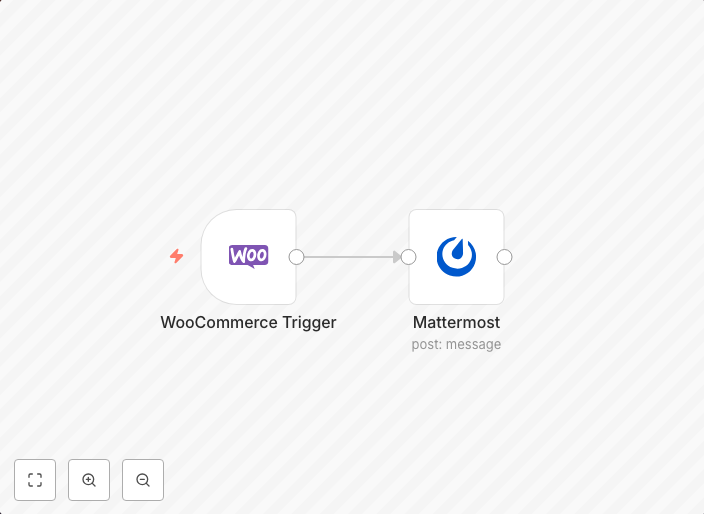
Send a message on Mattermost when an order is created in WooCommerce
This workflow allows you to send a message on Mattermost when an order is created in WooCommerce. workflow-screenshot
Get This WorkflowAbout This Workflow
What This Workflow Does
This workflow automates the process of sending a message on Mattermost whenever a new order is created in WooCommerce. It seamlessly integrates these two platforms to provide real-time notifications, helping you stay on top of your online store's activity. This automation ensures that you're immediately notified of new orders, allowing you to respond promptly and efficiently.
Who Should Use This
This workflow is ideal for WooCommerce store owners, marketers, and developers looking to streamline their order management process and improve customer satisfaction through timely notifications. It's a great tool for those who want to enhance their business operations with automation.
Key Features
- Triggers a notification on Mattermost whenever a new order is created in WooCommerce
- Allows for customizable notification content based on order details
- Integrates seamlessly with WooCommerce and Mattermost, requiring minimal setup
- Can be easily adapted to fit your specific business needs and workflow requirements
How to Get Started
To use this workflow, simply import it into your n8n instance and customize it to suit your needs. You can do this by updating the WooCommerce and Mattermost nodes with your specific credentials and settings, ensuring a seamless integration and automation of your order notifications.
Use This Workflow in n8n →Similar Workflows



Affiliate Disclosure: We may earn a commission if you sign up for n8n through our links. This doesn't affect our recommendations.