Send a message on Mattermost when you get a reply in Emelia
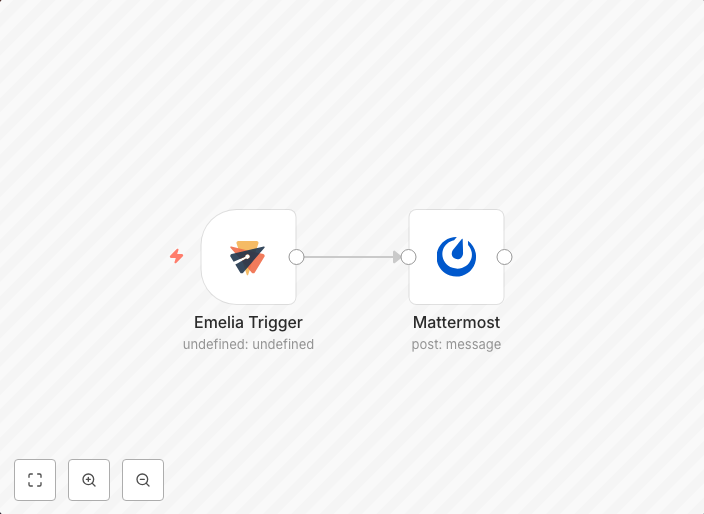
This workflow allows you to send a message on Mattermost when a lead replies to your email. workflow-screenshot Emelia Trigger node: The Emelia Trigger node...
Get This WorkflowAbout This Workflow
What This Workflow Does
This workflow automates the process of sending a message on Mattermost whenever a lead replies to an email in Emelia. By integrating these two platforms, users can receive instant notifications when a lead responds, enabling timely engagement and follow-up. This automation streamlines communication and helps businesses stay connected with their leads.
Who Should Use This
This workflow is suitable for marketers, sales teams, and business owners who want to improve their lead nurturing and customer engagement strategies. It's ideal for anyone looking to automate repetitive tasks and enhance their communication processes.
Key Features
- Trigger on lead replies: The workflow is triggered when a lead responds to an email in Emelia, initiating a notification on Mattermost.
- Real-time notifications: Receive instant notifications on Mattermost when a lead replies, allowing for timely follow-up and engagement.
- Automated communication: This workflow automates the process of sending a message on Mattermost, saving time and reducing manual effort.
- Integration with Emelia and Mattermost: Seamlessly connect your Emelia and Mattermost accounts to enable this automation.
How to Get Started
To use this workflow, simply import it into your n8n instance and customize the Emelia and Mattermost credentials to match your account settings. Adjust the workflow as needed to fit your specific use case and integrate it with your existing lead nurturing and customer engagement strategies.
Use This Workflow in n8n →Similar Workflows




Affiliate Disclosure: We may earn a commission if you sign up for n8n through our links. This doesn't affect our recommendations.