About This Workflow
What This Workflow Does
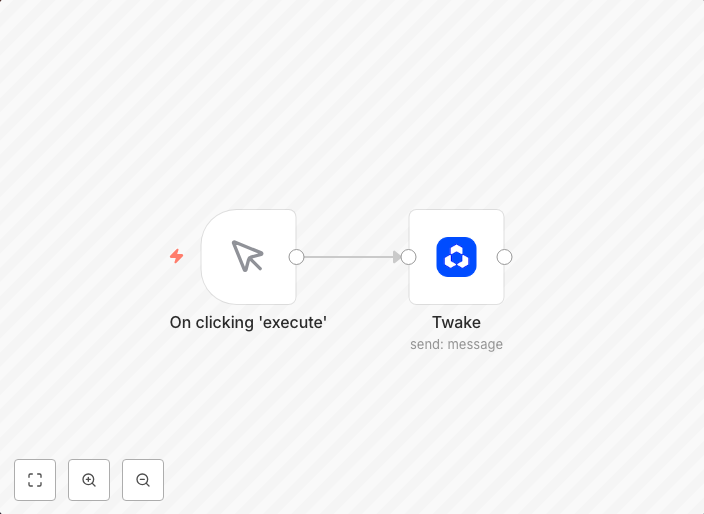
This workflow is designed to automate the process of sending a message to a channel on Twake. By connecting to your Twake account, you can easily send notifications or updates to your team or community. This workflow streamlines communication, saving you time and effort.
Who Should Use This
This workflow is suitable for anyone using Twake, including developers, marketers, business owners, and community managers who need to send automated messages to their team or audience.
Key Features
- Sends messages to a specific channel on Twake
- Connects to your Twake account via API
- Automates message sending to save time and effort
- Integrates with various other n8n workflows for more complex automation
How to Get Started
To use this workflow, simply import it into your n8n account and customize the Twake connection settings to match your account details. From there, you can set up the workflow to send messages to your desired channel at specified intervals or triggers.
Use This Workflow in n8n →Similar Workflows



Affiliate Disclosure: We may earn a commission if you sign up for n8n through our links. This doesn't affect our recommendations.