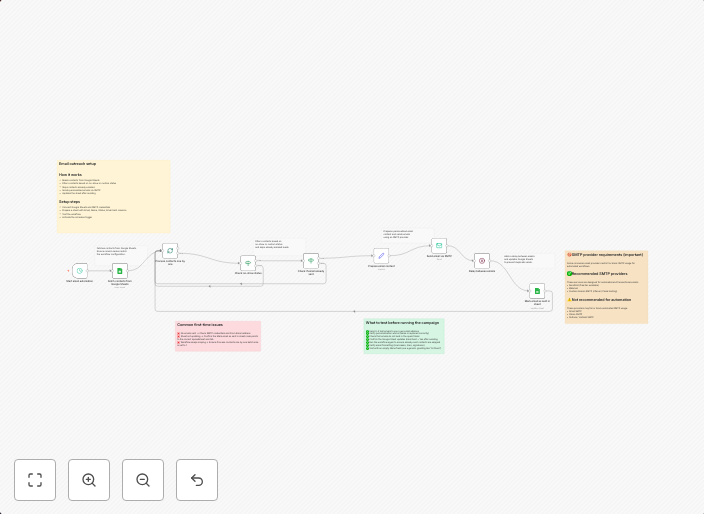
Send personalized emails from Google Sheets via SMTP
What problem does this solve? This workflow automates sending personalized emails using a contact list stored in Google Sheets and a professional SMTP email...
Get This WorkflowAbout This Workflow
What This Workflow Does
This workflow automates the process of sending personalized emails using a contact list stored in Google Sheets, leveraging a professional SMTP email service. It allows users to create and send custom email campaigns without manual intervention, making it a powerful tool for businesses and marketers. The workflow retrieves data from Google Sheets, formats it, and sends targeted emails to the specified recipients.
Who Should Use This
This workflow is ideal for marketers, business owners, and developers who want to streamline their email marketing efforts and send personalized communications to their contacts. It's particularly useful for those who rely on Google Sheets for storing and managing contact lists.
Key Features
- Personalized Email Campaigns: Send customized emails with dynamic content based on the data in Google Sheets.
- SMTP Integration: Utilize a professional SMTP email service for reliable and secure email delivery.
- Google Sheets Connectivity: Easily retrieve and update data from your Google Sheets contact list.
- Conditional Sending: Customize email sending based on conditions such as email open rates, link clicks, or other engagement metrics.
How to Get Started
To get started with this workflow, import it into your n8n account and customize the settings to match your Google Sheets and SMTP email service configurations. This will enable you to send personalized emails using your contact list and automate your email marketing efforts.
Use This Workflow in n8n →Similar Workflows




Affiliate Disclosure: We may earn a commission if you sign up for n8n through our links. This doesn't affect our recommendations.