About This Workflow
What This Workflow Does
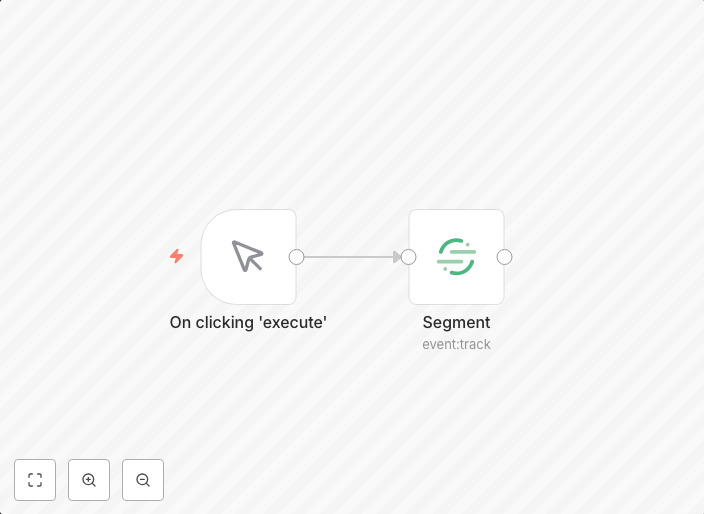
This workflow automates tracking events in Segment, a customer data platform. It enables users to stream event data from various sources to Segment, allowing for more accurate and comprehensive customer data analysis. This automation streamlines data collection, reducing manual effort and increasing the speed of data-driven decision-making.
Who Should Use This
This workflow is designed for developers, data analysts, and marketing professionals who rely on Segment for customer data analysis. Whether you're building a new application, marketing campaign, or product feature, this automation helps ensure that event data is accurately tracked and synced with Segment.
Key Features
- Event Tracking: Automatically capture and track user events from various sources, including web applications, mobile apps, and APIs.
- Segment Integration: Seamlessly integrates with Segment, allowing for effortless data streaming and analysis.
- Customizable Triggers: Configure triggers to capture specific events, reducing noise and focusing on relevant data.
- Error Handling: Built-in error handling ensures that data is not lost in case of API issues or other errors.
How to Get Started
To get started with this workflow, import it into your n8n instance and customize the triggers to match your specific event tracking needs. Adjust the Segment API credentials and settings as required, then start enjoying the benefits of automated event tracking and data analysis in Segment.
Use This Workflow in n8n →Similar Workflows




Affiliate Disclosure: We may earn a commission if you sign up for n8n through our links. This doesn't affect our recommendations.