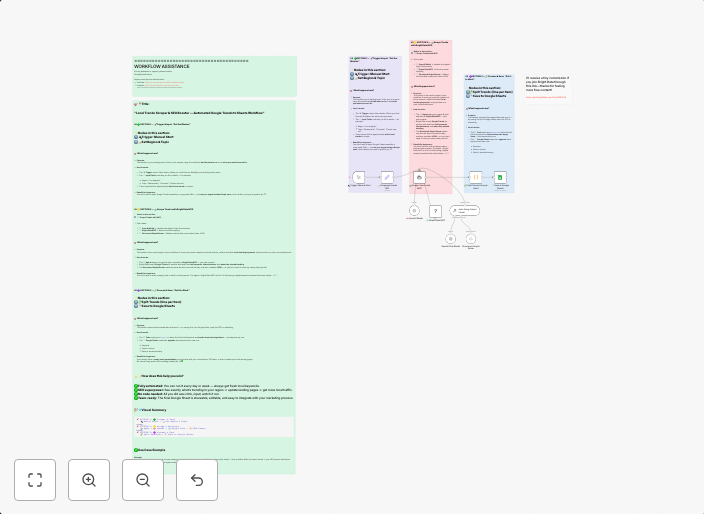
Track Google Trends search data locally with Bright Data MCP & AI analysis
This workflow contains community nodes that are only compatible with the self-hosted version of n8n. This workflow automatically tracks local search trends...
Get This WorkflowAbout This Workflow
What This Workflow Does
This workflow automatically tracks local search trends using Bright Data MCP's search capabilities and performs AI analysis on the collected data. It allows users to gain insights into their target audience's search behavior and preferences. The workflow provides a comprehensive view of local search trends, enabling data-driven decision-making.
Who Should Use This
This workflow is ideal for marketers, business owners, and researchers who want to gain a deeper understanding of their target audience's search behavior and preferences. It is particularly useful for those involved in market research, competitive analysis, and product development.
Key Features
- Tracks local search trends using Bright Data MCP's search capabilities
- Performs AI analysis on collected data to provide insights and recommendations
- Enables data-driven decision-making with real-time search trend data
- Suitable for market research, competitive analysis, and product development
How to Get Started
To use this workflow, import it into your self-hosted n8n instance and customize the settings to fit your specific needs. You can then use the workflow to collect and analyze search trend data, and gain valuable insights into your target audience's behavior and preferences.
Use This Workflow in n8n →Similar Workflows




Affiliate Disclosure: We may earn a commission if you sign up for n8n through our links. This doesn't affect our recommendations.