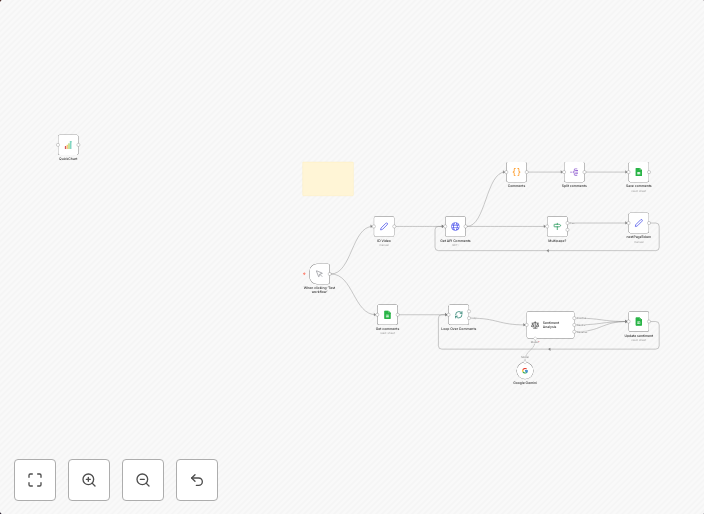
YouTube comment sentiment analysis with Google Gemini AI and Google Sheets
This workflow automatically collects all comments from a specified YouTube video and analyzes the sentiment of each comment using an AI model (e.g., GPT,...
Get This WorkflowAbout This Workflow
What This Workflow Does
This n8n workflow automatically collects comments from a specified YouTube video, then uses Google Gemini AI to analyze the sentiment of each comment. The sentiment analysis results are stored in a Google Sheets document, providing valuable insights into audience opinions and feelings.
Who Should Use This
This workflow is ideal for developers, marketers, and business owners who want to conduct market research, analyze customer feedback, or gauge audience sentiment towards a YouTube video or channel.
Key Features
- Collects comments from a specified YouTube video
- Analyzes sentiment of each comment using Google Gemini AI
- Stores sentiment analysis results in a Google Sheets document
- Automates the process, saving time and effort compared to manual analysis
How to Get Started
To use this workflow, simply import it into your n8n instance and customize the YouTube video ID and Google Sheets credentials to suit your needs. Follow the workflow's configuration options to set up the automation and start collecting sentiment analysis data.
Use This Workflow in n8n →Similar Workflows




Affiliate Disclosure: We may earn a commission if you sign up for n8n through our links. This doesn't affect our recommendations.