Audio conversation analysis & visualization with DeepGram and GPT-4o
Transcript Evalu8r – AI-Powered Transcribing and Transcript Analysis Workflow Transcript Evalu8r Logo Overview Transcript Evalu8r is an AI-powered...
Get This WorkflowAbout This Workflow
What This Workflow Does
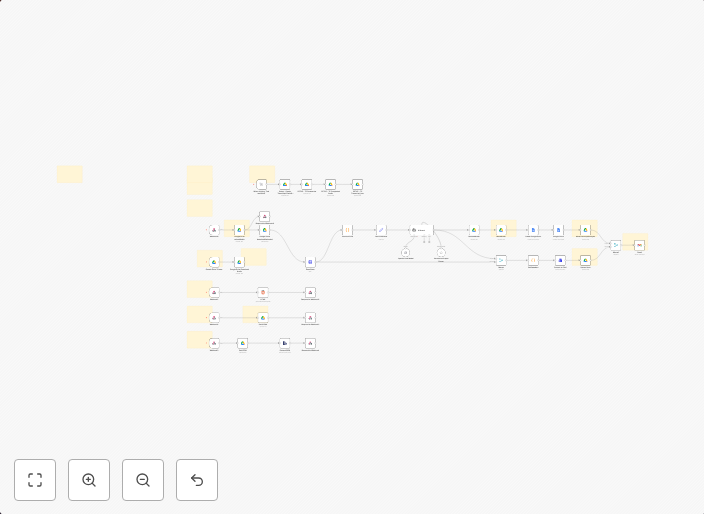
This workflow uses DeepGram and GPT-4 to analyze and visualize audio conversations, providing a powerful tool for extracting valuable insights from spoken content. It automates the transcription process and enables AI-powered analysis and visualization of conversation data. The workflow is designed to streamline the process of understanding audio conversations.
Who Should Use This
This workflow is ideal for developers, marketers, and business owners who need to extract insights from audio conversations, such as podcast analytics, customer service call analysis, or market research.
Key Features
- Transcribes audio conversations using DeepGram
- Analyzes transcripts using GPT-4 for sentiment analysis, entity recognition, and topic modeling
- Visualizes conversation data for easy insights and understanding
- Provides customizable output for use in various applications and integrations
How to Get Started
To use this workflow, simply import it into your n8n account and customize the settings to fit your specific needs. You can then connect your audio files and DeepGram account to start analyzing and visualizing your conversation data.
Use This Workflow in n8n →Similar Workflows




Affiliate Disclosure: We may earn a commission if you sign up for n8n through our links. This doesn't affect our recommendations.