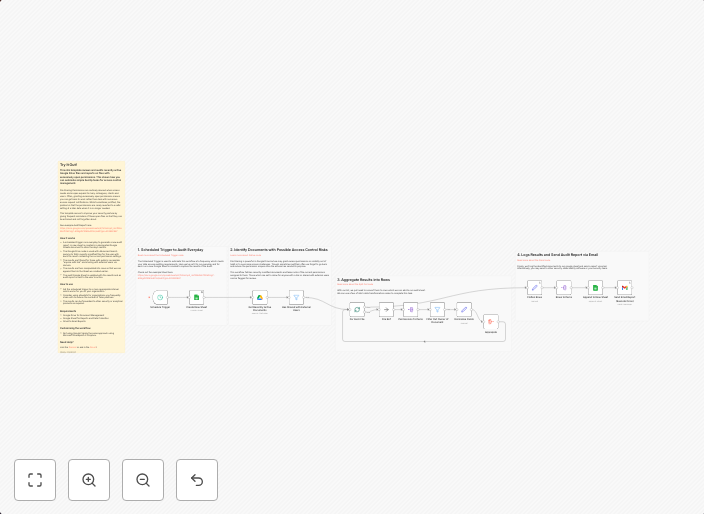
Audit Google Drive file permissions for access control management
This n8n template reviews and audits recently active Google Drive files and reports on files with excessively open permissions. This shows how you can...
Get This WorkflowAbout This Workflow
What This Workflow Does
This n8n template helps you automate the review and audit of recently active Google Drive files for access control management. It identifies files with excessively open permissions, providing you with a clear view of potential security risks. By automating this process, you can save time and ensure that your Google Drive files are properly secured.
Who Should Use This
This workflow is ideal for Security Operations (SecOps) teams, IT administrators, and business owners responsible for managing access control and sensitive data in Google Drive.
Key Features
- Reviews recently active Google Drive files for excessive permission settings
- Identifies files with open permissions that may pose a security risk
- Provides a clear report on files that require permission adjustments
- Automates a time-consuming task, saving you time and effort
How to Get Started
To use this workflow, simply import it into your n8n instance and customize the settings to match your Google Drive account and permission requirements. From there, you can schedule the workflow to run regularly and receive automated reports on files that need attention.
Use This Workflow in n8n →Similar Workflows



Affiliate Disclosure: We may earn a commission if you sign up for n8n through our links. This doesn't affect our recommendations.