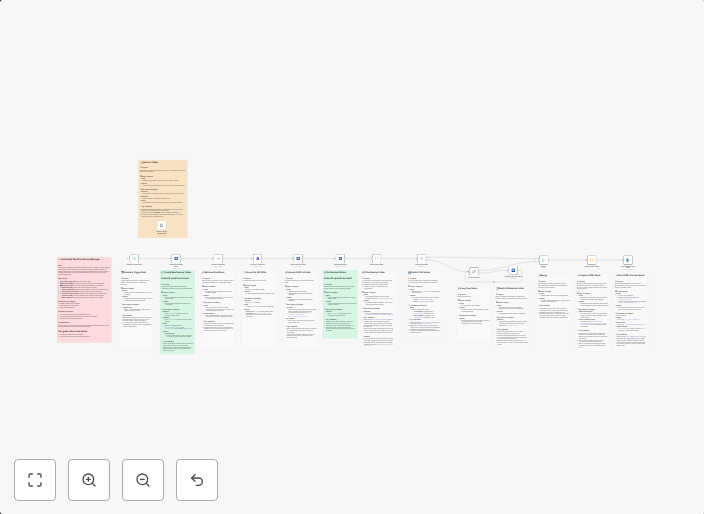
Auto-backup n8n workflows to OneDrive with cleanup & email notifications
Automatically BackUp Your n8n Workflows to OneDrive This workflow automates the backup of your self-hosted n8n instance by exporting all workflows and...
Get This WorkflowAbout This Workflow
What This Workflow Does
This workflow automates the backup of your self-hosted n8n instance by exporting all workflows and storing them securely in OneDrive. It also includes a cleanup feature to remove redundant backups and send email notifications to keep you informed. This ensures your workflow configurations are safely stored off-site.
Who Should Use This
This workflow is ideal for developers, system administrators, and business owners who want to ensure the safety and reliability of their n8n workflows and configurations. It's particularly useful for those who want to automate backups and reduce the risk of data loss.
Key Features
- Automated Backup: Exports all workflows and stores them securely in OneDrive.
- Cleanup: Removes redundant backups to save storage space and reduce clutter.
- Email Notifications: Keeps you informed about successful backups and cleanup operations.
- Secure Storage: Stores backups in a secure and off-site location, OneDrive.
How to Get Started
To use this workflow, simply import it into your n8n instance and customize the OneDrive credentials and email notification settings as needed. Follow the workflow's instructions to set up and trigger the backup process.
Use This Workflow in n8n →Similar Workflows




Affiliate Disclosure: We may earn a commission if you sign up for n8n through our links. This doesn't affect our recommendations.