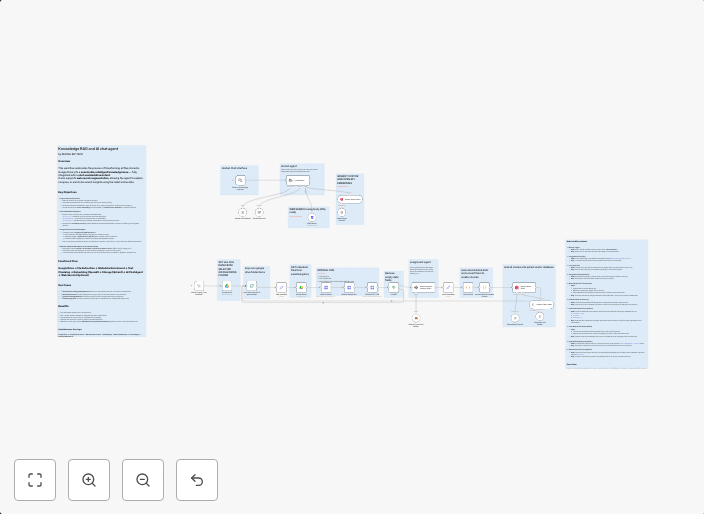
Document RAG & chat agent: Google Drive to Qdrant with Mistral OCR
Knowledge RAG & AI Chat Agent: Google Drive to Qdrant Description This workflow transforms a Google Drive folder into an intelligent, searchable knowledge...
Get This WorkflowAbout This Workflow
What This Workflow Does
This workflow automates the process of transforming Google Drive files into searchable knowledge in Qdrant using Mistral OCR. It enables the extraction of information from documents and integrates it into a Qdrant index, making it easily accessible and searchable. This streamlines knowledge management and enhances collaboration within an organization.
Who Should Use This
This workflow is ideal for knowledge management teams, developers, and IT professionals who want to create a centralized, AI-powered knowledge repository.
Key Features
- Google Drive Integration: Connects to a Google Drive folder to fetch files for processing.
- Mistral OCR: Applies Optical Character Recognition (OCR) to extract text from documents.
- Qdrant Indexing: Indexes extracted text in Qdrant for efficient searching.
How to Get Started
To use this workflow, simply import it into your n8n instance and customize the Google Drive folder and Qdrant settings to match your organization's specific requirements.
Use This Workflow in n8n →Similar Workflows




Affiliate Disclosure: We may earn a commission if you sign up for n8n through our links. This doesn't affect our recommendations.