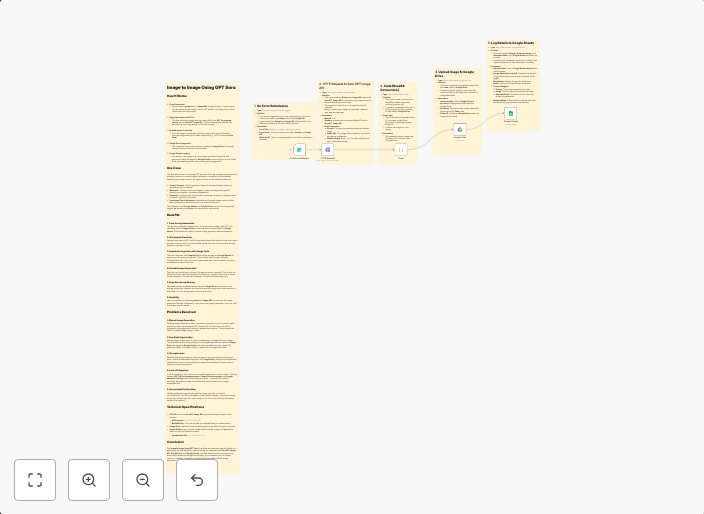
Generate and store AI images with Sora GPT, Google Drive and Sheets
Automation Flow: Image to Image Using GPT Sora This flow automates the process of generating images using a provided prompt and reference image via the Sora...
Get This WorkflowAbout This Workflow
What This Workflow Does
This workflow automates the process of generating AI images using Sora GPT, a multimodal AI tool, in response to a provided prompt and reference image. The generated images are then stored in Google Drive, making them easily accessible for use in various content creation projects. This workflow streamlines the process from image generation to storage, saving time and effort.
Who Should Use This
This workflow is ideal for content creators, marketers, and business owners who want to leverage the power of AI-generated images for their projects, such as social media graphics, blog posts, or marketing materials.
Key Features
- Generates AI images using Sora GPT in response to a prompt and reference image
- Stores generated images in Google Drive for easy access and organization
- Automates the process of image generation and storage, saving time and effort
- Supports the use of AI-generated images in various content creation projects
How to Get Started
To use this workflow, simply import it into your n8n account and customize the setup to fit your specific needs, including connecting your Google Drive and Sora GPT accounts. From there, you can start generating and storing AI images with ease.
Use This Workflow in n8n →Similar Workflows




Affiliate Disclosure: We may earn a commission if you sign up for n8n through our links. This doesn't affect our recommendations.