About This Workflow
What This Workflow Does
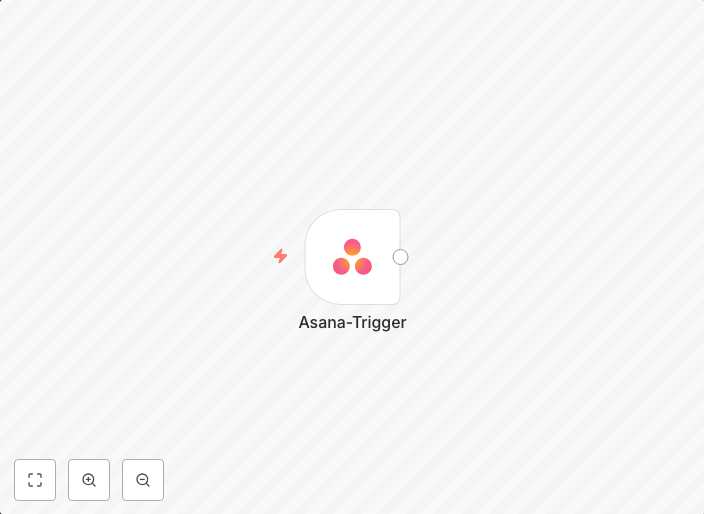
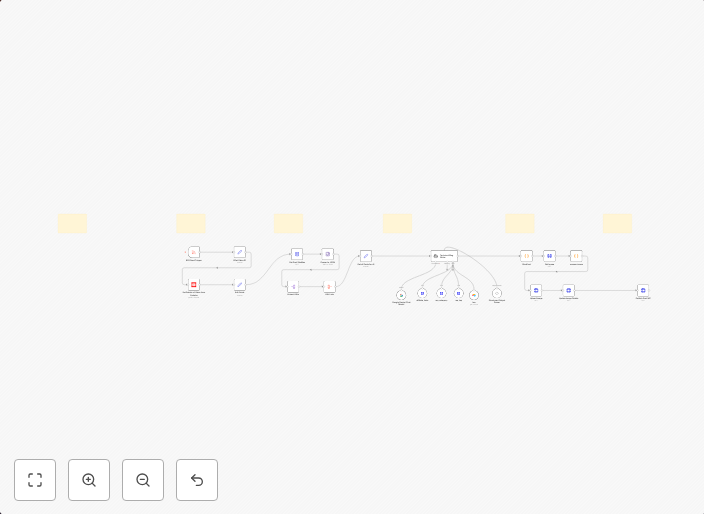
This n8n automation workflow is designed to receive updates when an event occurs in Asana. It automates the process of fetching information from Asana and notifying users of any changes, ensuring they stay up-to-date with task updates, due dates, and other important project management events. By using this workflow, users can save time and streamline their workflow.
Who Should Use This
This workflow is ideal for project managers, team leaders, and business owners who use Asana for task management and want to stay informed about changes to their projects. It's particularly useful for those who need to track updates, deadlines, and task assignments across multiple projects.
Key Features
- Triggers when an event occurs in Asana, such as new tasks, updates to existing tasks, or changes to due dates.
- Allows users to receive notifications for specific projects or tasks of interest.
- Supports automated data fetching from Asana, ensuring up-to-date information is available.
- Can be customized to fit individual workflow needs by adjusting trigger and notification settings.
How to Get Started
To use this workflow, simply import it into your n8n instance and customize the settings to fit your Asana project management needs. This may involve connecting your Asana account, selecting the specific projects or tasks to monitor, and adjusting notification preferences to suit your workflow.
Use This Workflow in n8n →Similar Workflows
Affiliate Disclosure: We may earn a commission if you sign up for n8n through our links. This doesn't affect our recommendations.